
Qubetics is expanding from a high-performance Layer-1 blockchain into a real privacy infrastructure network with its dVPN (decentralized VPN) module. This module allows anyone to contribute bandwidth to a privacy marketplace where users pay for secure, private internet access, and providers earn rewards for serving that traffic.
Running a Qubetics dVPN node means you are participating directly in this privacy layer. Your server becomes a bandwidth provider, your uptime becomes your reliability score, and your rewards come from real session usage on-chain.
With InstaNodes, you don’t need to handle Linux setup, firewall rules, port configuration, or monitoring. The infrastructure is provisioned for you, ready for production use.
Why Run a Qubetics dVPN Node?
- Earn rewards from actual VPN session consumption
- Contribute to a decentralized privacy network
- No complex setup or DevOps knowledge required
- Full wallet control and non-custodial rewards
- Enterprise-grade uptime and monitoring handled for you
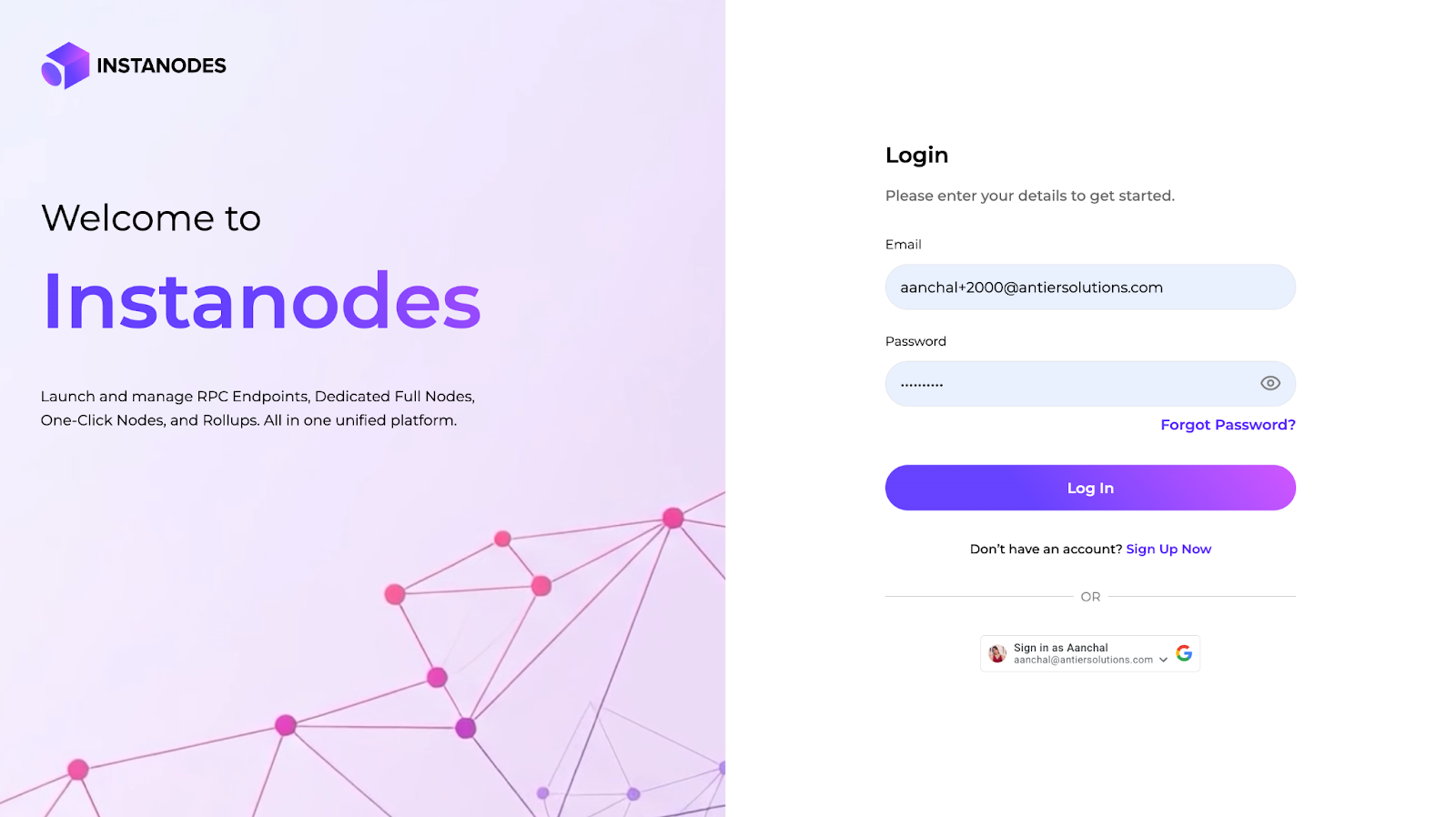
Step 1: Sign in to InstaNodes
Visit: https://oneclick-app.instanodes.io/app/one-click
Create an account or sign in using OTP, Google, or social login.
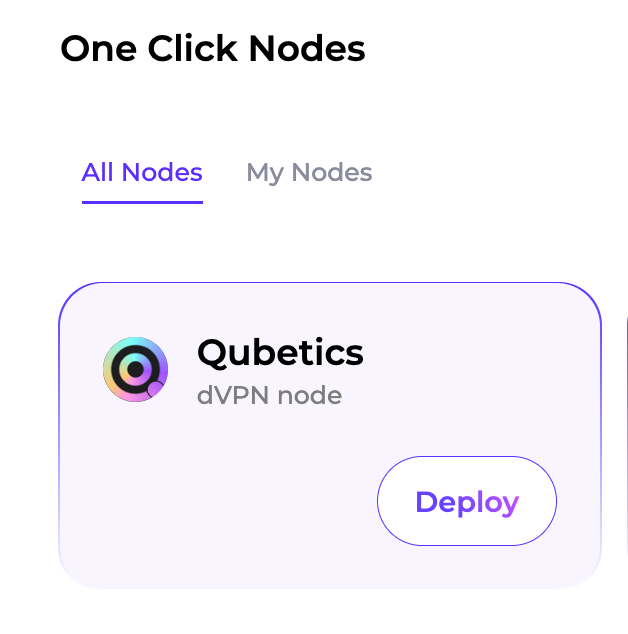
Step 2: Start Qubetics dVPN Node Deployment
From the dashboard:
- Choose Qubetics
- Click Deploy
- Select the dVPN Node option in the guided deployment flow
This triggers automated server provisioning optimized for dVPN nodes.
Step 3: Select Your Plan
Choose:
- 1-month, 3-months, 6-months and 12-month plans
This is useful if you plan to serve multiple regions or higher traffic.
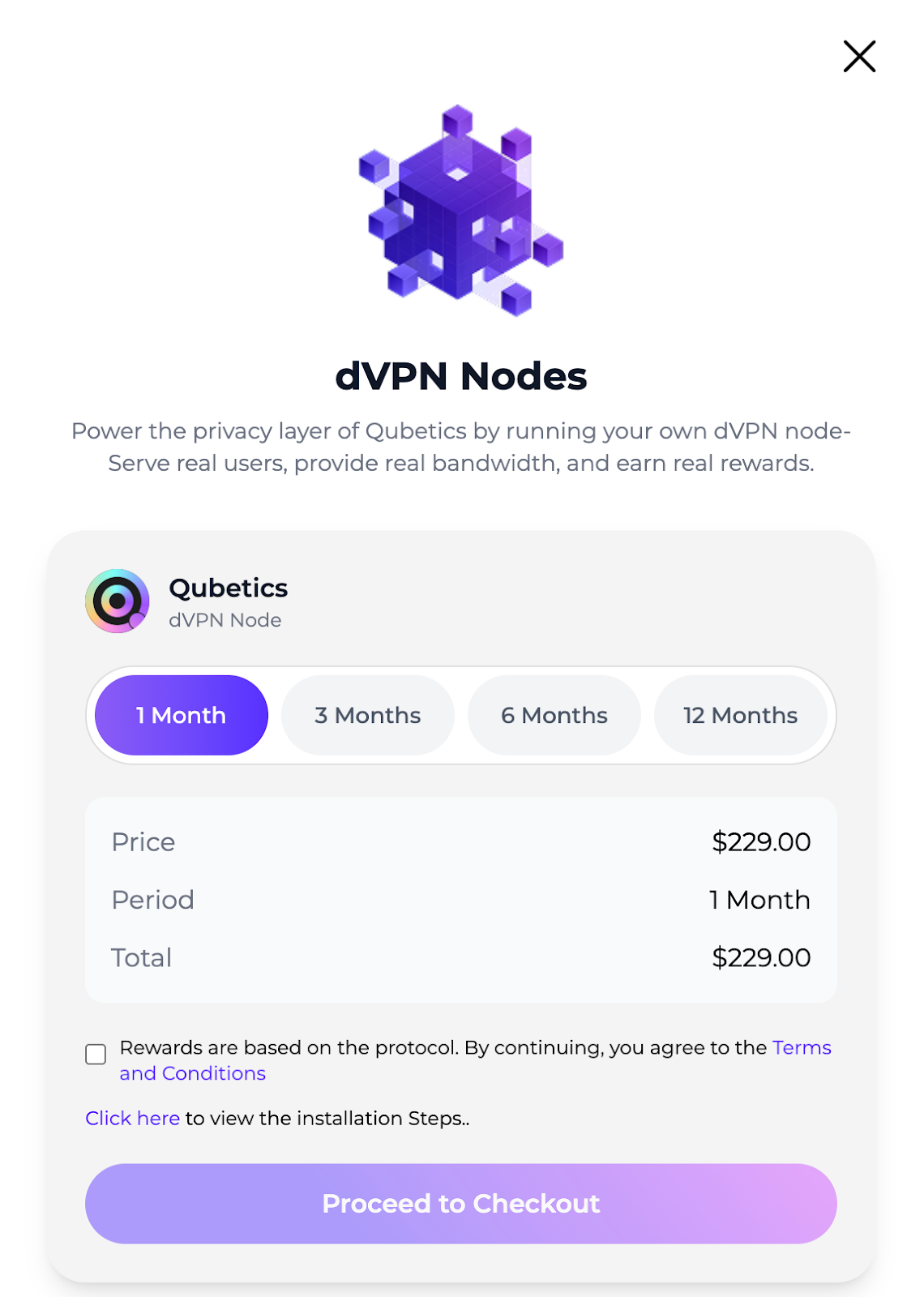
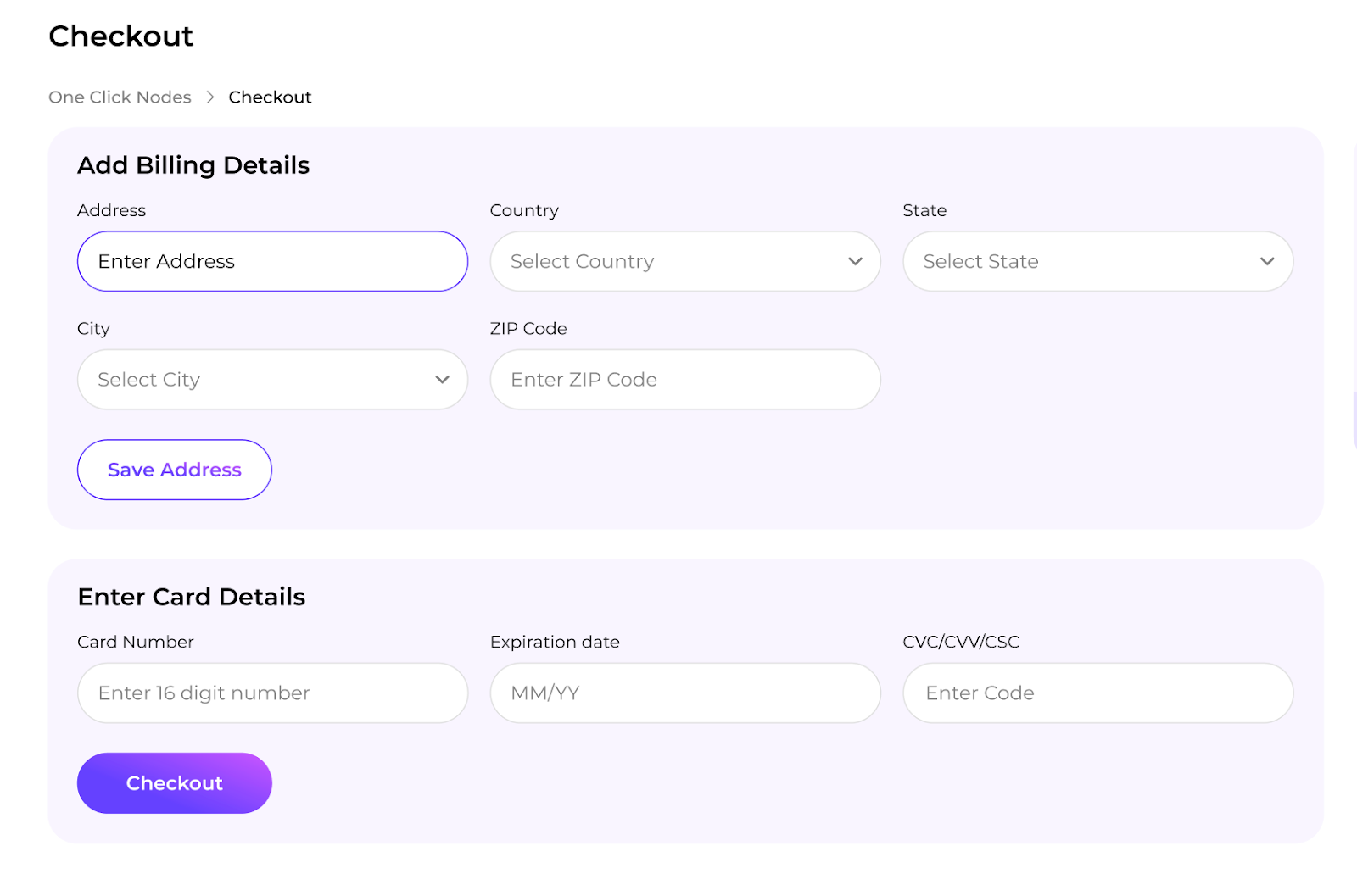
Step 4: Complete Secure Payment
Proceed to checkout and pay using an international credit/debit card.No crypto or wallet connection is required at this stage.
Step 5: Node Provisioning
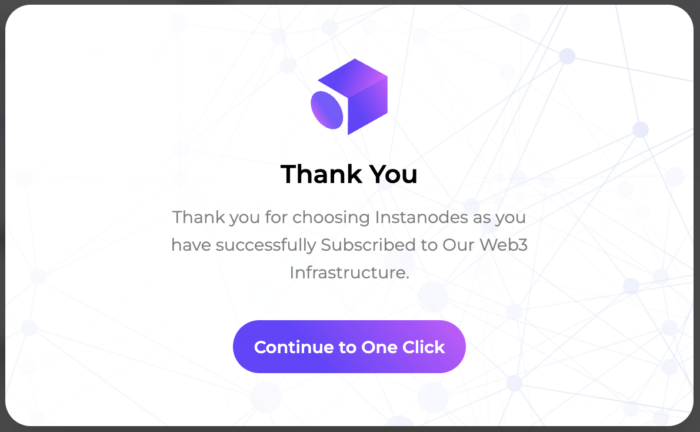
After payment:
- You’ll see a confirmation screen
- InstaNodes begins provisioning immediately
- Your node is configured with the required ports, security rules, and monitoring
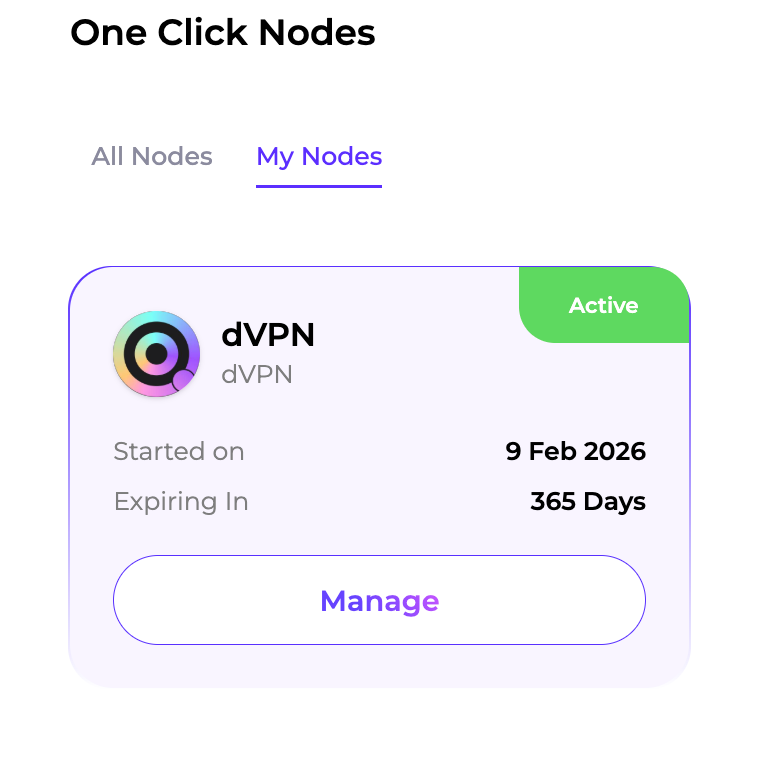
Step 6: Access Nodes In My Nodes Page
Go To My Nodes To Monitor:
Starting On
Expiring In
Node Status
Manage Your Plan.
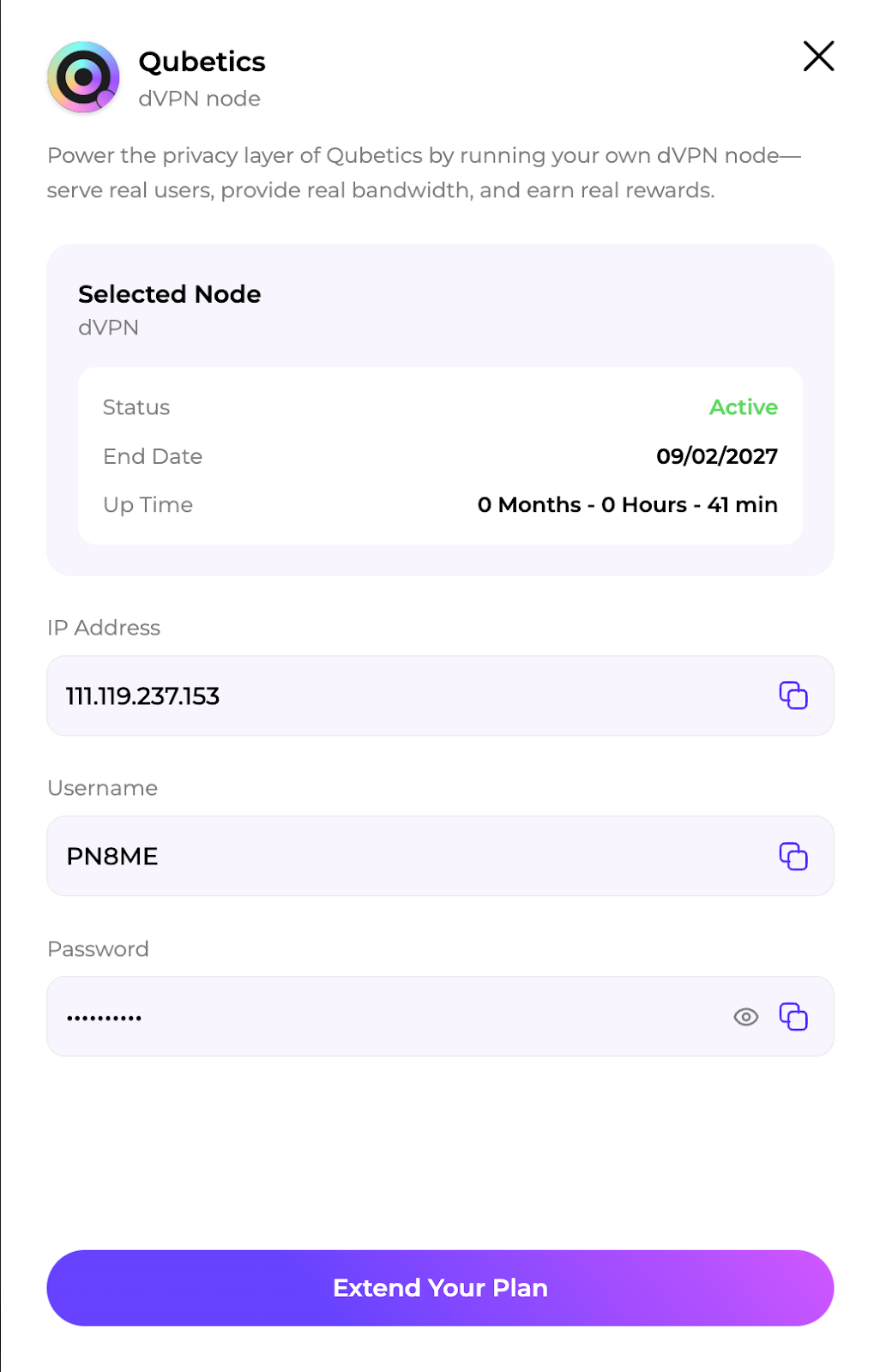
Step 7: Copy Your Node URL and Credentials
- Click View to reveal credentials (shown once).
- Copy the Node URL.
Note: After the node is deployed, you must complete the remaining setup steps yourself, including configuring your wallet.
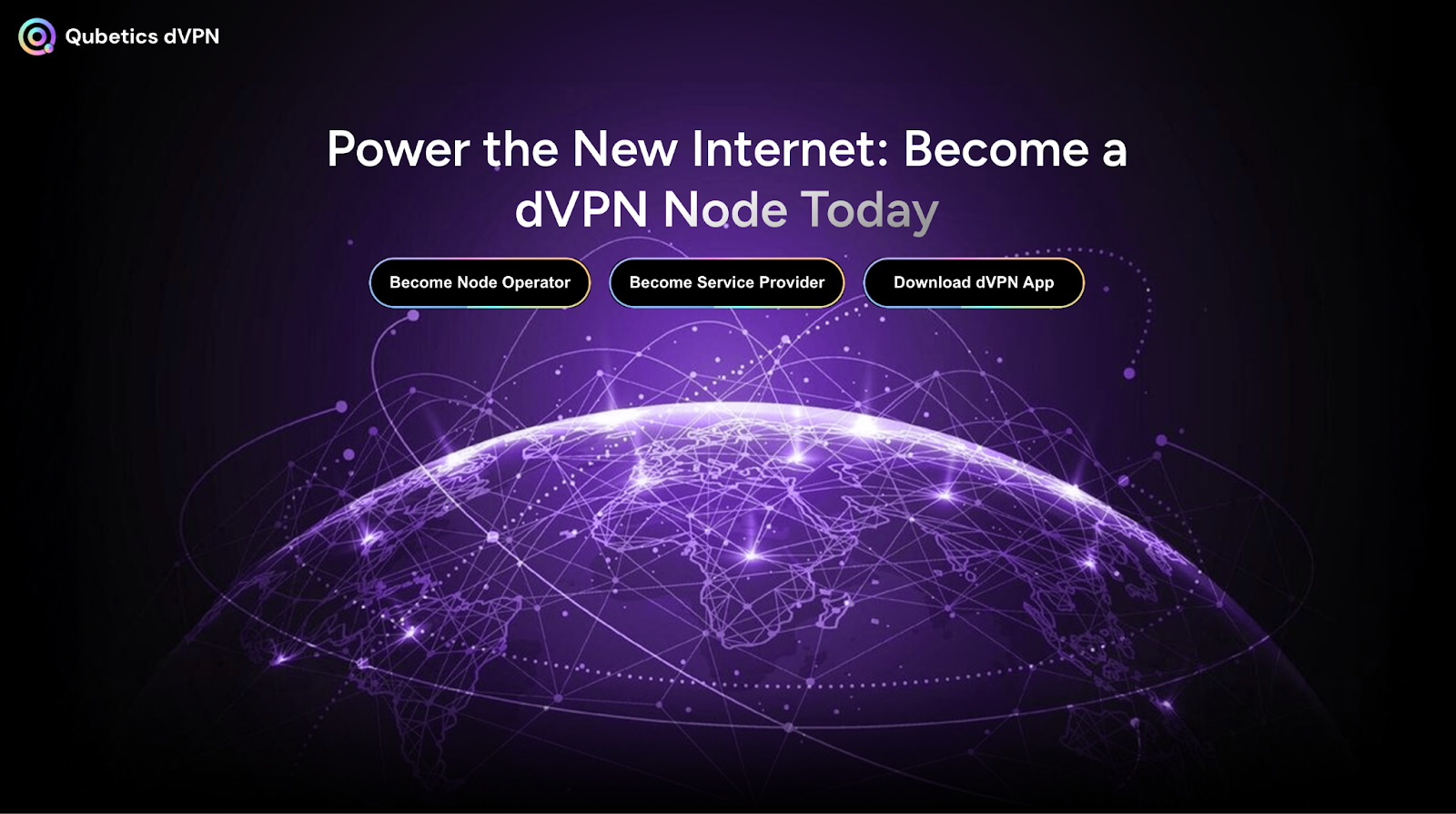
Step 8: Open the Qubetics dVPN Node Operator Portal
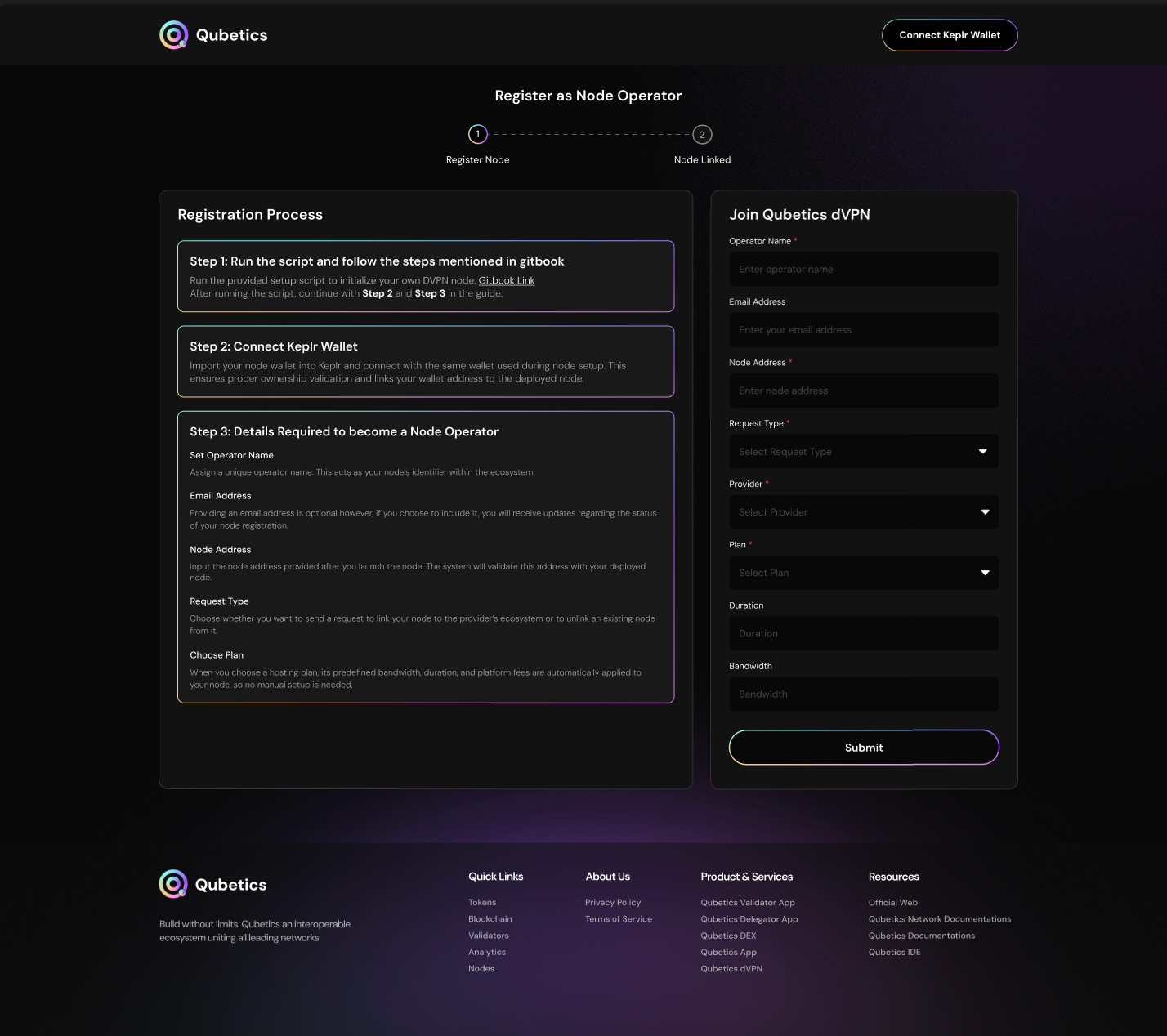
Open the official Qubetics dVPN node operator platform and paste your Node URL to link your infrastructure with the network within the node registration screen.
Step 9: Connect Your Wallet
Supported wallets:
- Keplr
- Cosmostation
- Qubetics Wallet Extension
Step 10: Register As A Node Operator
Click Register As Operator And Submit:
- Operator’s Name And Description.
- Regions served.
- Bandwidth Capacity.
- Pricing ( per GB as per session )
- Security Contact
Approve the transaction from your wallet.
Your Node is now publicly discoverable by users looking for VPN providers.
Step 11: Start Serving Sessions And Earnings
When users choose your region and start sessions:
- Bandwidth usage is tracked on-chain.
- Rewards are distributed in TICS tokens.
- Higher uptime and stable bandwidth = higher earnings.
What Makes A Reliable dVPN Operator?
Reliable Operator:
- Maintain near 24/7 uptime.
- Offer consistent bandwidth.
- Monitor logs and health metrics.
- Respond quickly to issues.
Since Instanodes handles infrastructure, you can focus on maintaining reliability and maximizing rewards.
What Happens If Your Node Goes Offline?
Temporary Downtime:
- You stop earning during the offline period.
- No token loss.
- Resume earning once back online.
Intentional Exit
- You can unregister as operator.
- No penalties.
Malicious Behaviour
- Penalties apply only if abuse or network violations occur.
Subscription Expiry and Grace Period
Since InstaNodes handles infrastructure, you can focus on maintaining reliability and maximizing rewards. If you don’t renew your InstaNodes plan:
- 7-day grace period
- Infrastructure remains active
- Time to withdraw or resume
- After the grace period, resources are released
Why This Is Important
Qubetics dVPN is a live utility system:
- Users purchase VPN plans.
- Users consume bandwidth.
- Operators earn from real usage.
This is a functioning, on-chain privacy marketplace, not a theoretical model.
Final Thoughts
Running a Qubetics dVPN node is a practical and impactful way to participate in the network’s privacy layer. You contribute real infrastructure, serve real users, and earn real rewards.
With InstaNodes, the process is simple:
Deploy → Register → Serve → Earn